Pore Pressure
Press and hold the spot. Drag inward to fine-tune.
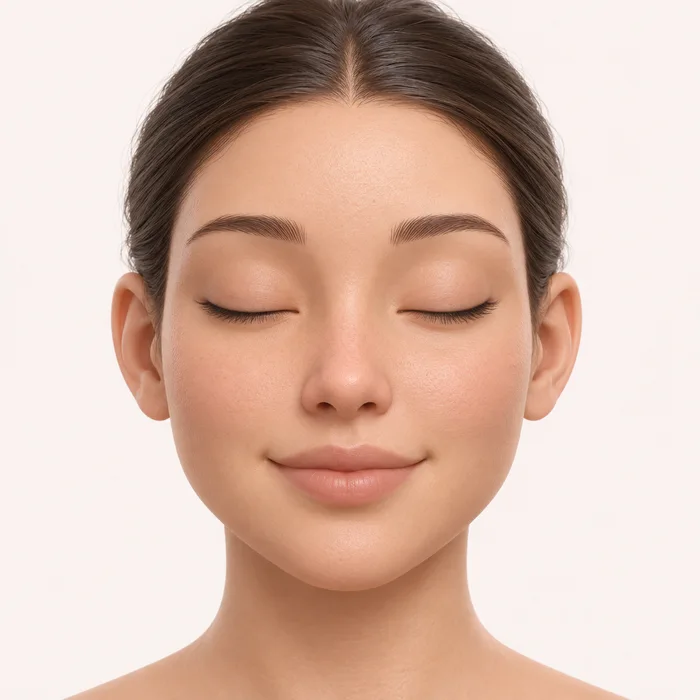
Choose a spot to zoom in.
Beautifully done.
A free online zit popping simulator
Pore Pressure is a free browser game where you squeeze fictional pimples, extract blackheads and wipe the skin clean. Play an endless, relaxing Free Pop session or aim for three stars across 12 Perfect Pop Challenges. No download or account is required.
How to play Pore Pressure
- Start with the visible whitehead. Press and hold the highlighted spot to squeeze. Drag inward to fine-tune pressure; a two-finger pinch also works. On a touchscreen, use one finger or place two fingers around the bump and move them inward.
- Keep the pressure steady as material emerges. Pops vary between thick blobs, short cream folds, little pearls, dribbles and sudden bursts. Some juicy spots spray droplets onto the game screen. Choose Juicy burst under Blemish for a guaranteed spray in Satisfying or Extra Gross. Release between chambers when the game asks for another squeeze. For a blackhead, hold with Extractor until the plug loosens, then drag away to lift it out. For an ingrown hair, grip with Tweezers and pull away. Deep pimples need three firm squeezes; Mega Zits need four releases between stages.
- Select Wipe and sweep across the area, including any wet screen splats. The Hold to squeeze button provides a keyboard alternative: focus it with Tab or a click, then hold Space or Enter. With Wipe selected, the same button wipes the area.
- Choose More zits for another pop, or switch to Perfect Pop Challenge. Your best stars, achievements and preferences save locally; an optional Random.Express account enables cloud saves.
Six kinds of satisfying pops
Whiteheads give quick creamy bursts. Blackheads have dark sunken heads and release stiff, two-tone plugs. Deep pimples are broad red nodules with three resistant chambers. Clusters offer three quick neighboring pops. Squeeze the highlighted pore and release before moving to the next one. Ingrown hairs show a trapped dark loop that stretches and pulls free. Rare Mega Zits have a large lobed shape with four exaggerated chambers. Cheek, Nose, Forehead and Shoulder each have their own anatomical artwork, pore texture, curvature and lighting. These are playful fictional mechanics, never instructions for real skin care.
Pick your Gross-O-Meter level
Mild keeps the material soft and the cleanup light. Satisfying is the first-visit default, with varied curls, moderate residue and occasional surprise pops. Extra Gross increases liquid volume, wet spray, screen splats, residue and sound intensity. Mild keeps screen spray off. Select Change settings on the Gross-O-Meter to adjust intensity, sound, haptics and graphics. All three levels are free and change immediately.
Perfect Pop Challenge and Full Face Cleanup
Complete every extraction and wipe to earn one to three stars. Steady pressure, suitable tools, efficient extraction and a clean finish improve your score. Challenges build from one whitehead to mixed areas and a six-spot Full Face Cleanup. Select a face marker to focus, treat it, then return to the overview to see your before-and-after progress.
Questions about the game
Is this pimple popping game free?
Yes. Free Pop, all 12 challenges, tools and every Gross-O-Meter setting are available without payment, installation or signing in.
Can I play on a phone or tablet?
Yes. Use an assisted single-finger drag or a two-finger inward squeeze inside the skin scene. Page zoom remains available outside the game surface. A mouse, trackpad or keyboard alternative also works.
Is there blood, injury or medical advice?
No. Grossness comes from fictional extraction material, curls and residue. Pore Pressure is entertainment and does not teach real acne treatment.
Does my progress save?
Your total pops, type counts, best challenge scores, achievements, unlocked regions, grossness and audio preferences save in this browser when storage is available. Sign in to a Random.Express account for optional cloud saving and the site's restore and conflict controls.
Can I turn the sound off?
Yes. Use Sound on/off or Settings to adjust effects volume and optional haptics. No background music plays, and every action has visual feedback.