Accessibility
Games that meet you where you are.
Random.Express is a free collection of browser games and experiences. Many of them play with one button, a keyboard or at your own pace, and some let you turn down sound, flashing and motion. Below are the ones we think work best.
If something gets in your way, tell us. Your notes decide what we fix next.
Find a way to play
Picks from our catalog, grouped by what they make easier. Every one is free and opens in your browser.
One button or a simple tap
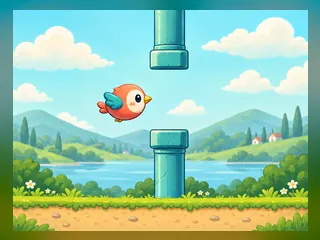
Flap Dash
One input does everything. Tap, click, press Space or the Up Arrow to fly.

Holiday Puzzle Boards
Boards of 4, 6, 9 or 16 big pieces with generous snapping, tap-to-place controls and optional hints.
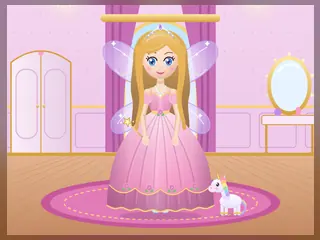
Princess Dress-Up Palace
Tap a gown, crown or pet to try it on. No reading required, with no scores and no timers.
Play with a keyboard
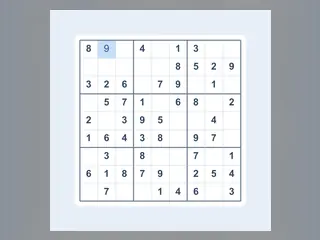
Sudoku
Full keyboard controls, notes, undo, step-by-step hints, a Focus Grid and eight color themes.
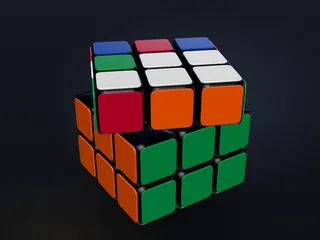
Puzzle Cube
Turn layers with the keyboard or on-screen buttons. Sticker symbols help if colors are hard to tell apart.
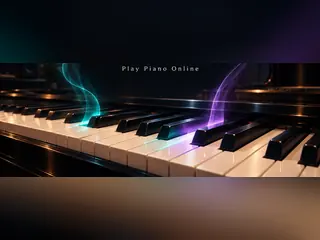
Piano Studio
Play with your computer keyboard, a mouse, touch or a MIDI keyboard. Hold Space for sustain.
No timers, no rush
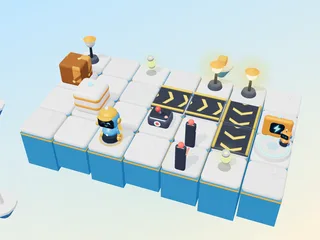
Robot Rescue
Plan moves for a little robot, then watch them step by step. Hints come in small pieces and there's never a clock.

Tiny Treasures
Untimed I Spy rounds with zoom, a gentle direction hint and an optional gold ring that marks the spot.

Slime Mixer
Mix, squish and stretch slime with a mouse, keyboard or touch. No timers, no scores, nothing to lose.
Turn down sound, flashing and motion

Haunted House Creator
Set scare intensity, turn flashing off and switch on captions before you walk in.

Rinse & Rest
Wash six peaceful scenes clean with no timer. Sound and motion are both adjustable.

Sunset Studio
Shape a quiet sunset, set each nature sound on its own, and hide every control with one tap.
Know a Random.Express experience that belongs on this list, or one that needs work before it could? Let us know.
Across the whole site
What we aim for on every page and experience.
Keyboard navigation
Menus, search, filters and forms work without a mouse, with a clear focus outline so you can see where you are.
Zoom and small screens
Pages adapt to phones, tablets and browser zoom without sideways scrolling.
Reduced motion
When your device asks for less motion, we calm or stop animations that aren't part of the play.
Clear labels
Headings, labels, landmarks and skip links help screen readers and keyboard users find their way.
Still on our list
Some experiences rely on quick reactions, dragging, 3D scenes or sound, and don't yet offer an equal way to play for everyone. Games drawn on a canvas often give screen readers very little to work with. We know these gaps exist, and hearing which ones affect you helps us decide what to fix first.